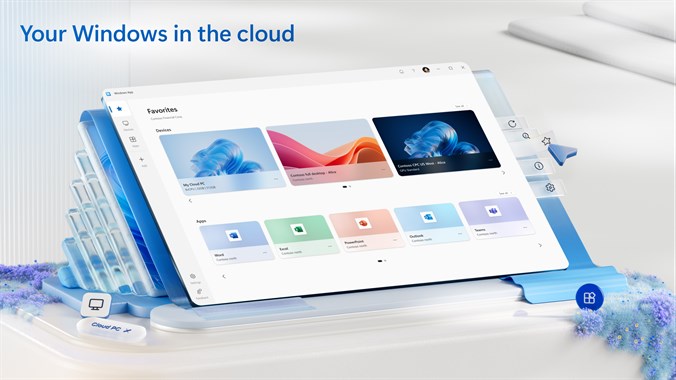
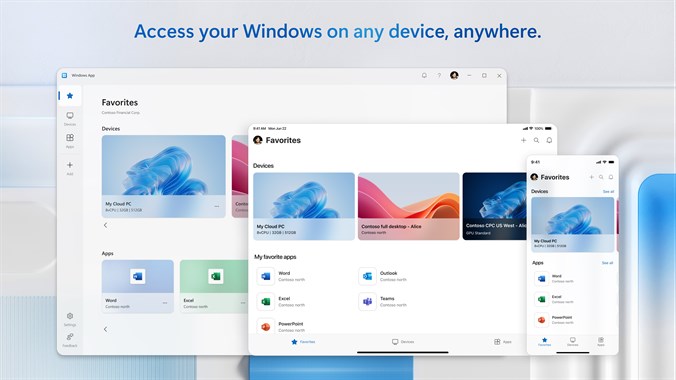
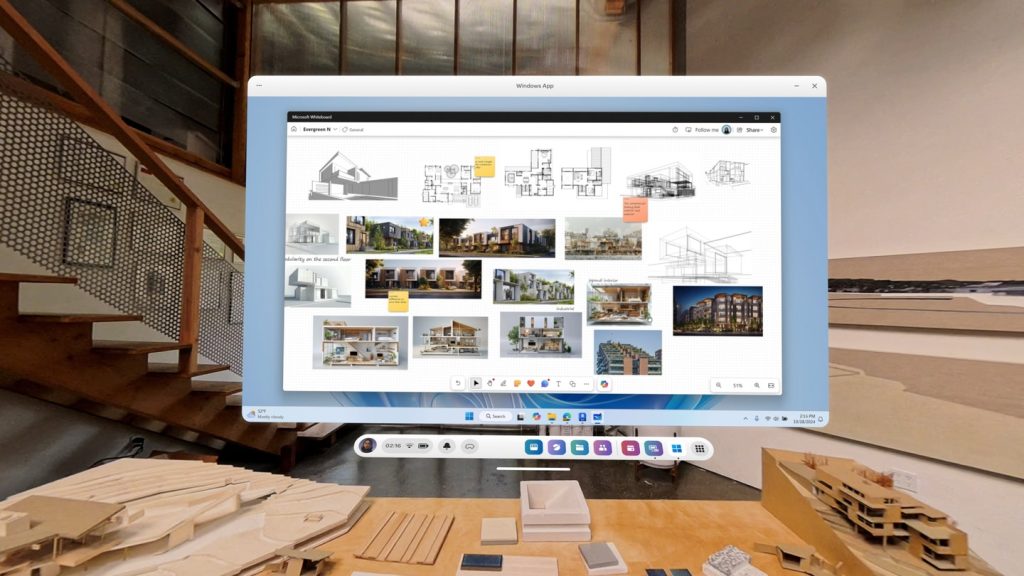
We have created a demonstration version of our Most Popular Professional Desktop granting Full Access to a
Windows 11 Pro Virtual Machine that you can access using any of the apps listed below,.
- Choose your platform: Windows, MacOS, iOS, Android, ChromeOS, Meta
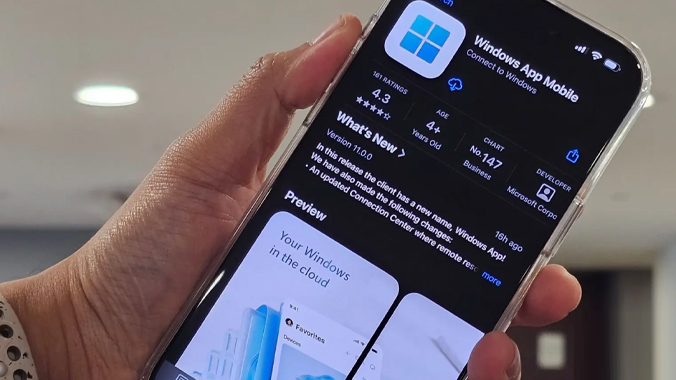
- Download the Remote Desktop Client for that platform and
- Use this information to create a connection.
CONNECTION INFORMATION
SERVER: vm-demo-11.my.hostedremotedesktop.com:53144
USERNAME: VM-DEMO-11\VM-Demo
PASSWORD: Demo
This Demo VM is automatically reset to Out Of Box Experience (OOBE) after 30 minutes of use.